
Why Choose Us?
Everything you need to start and grow your online store in Kenya
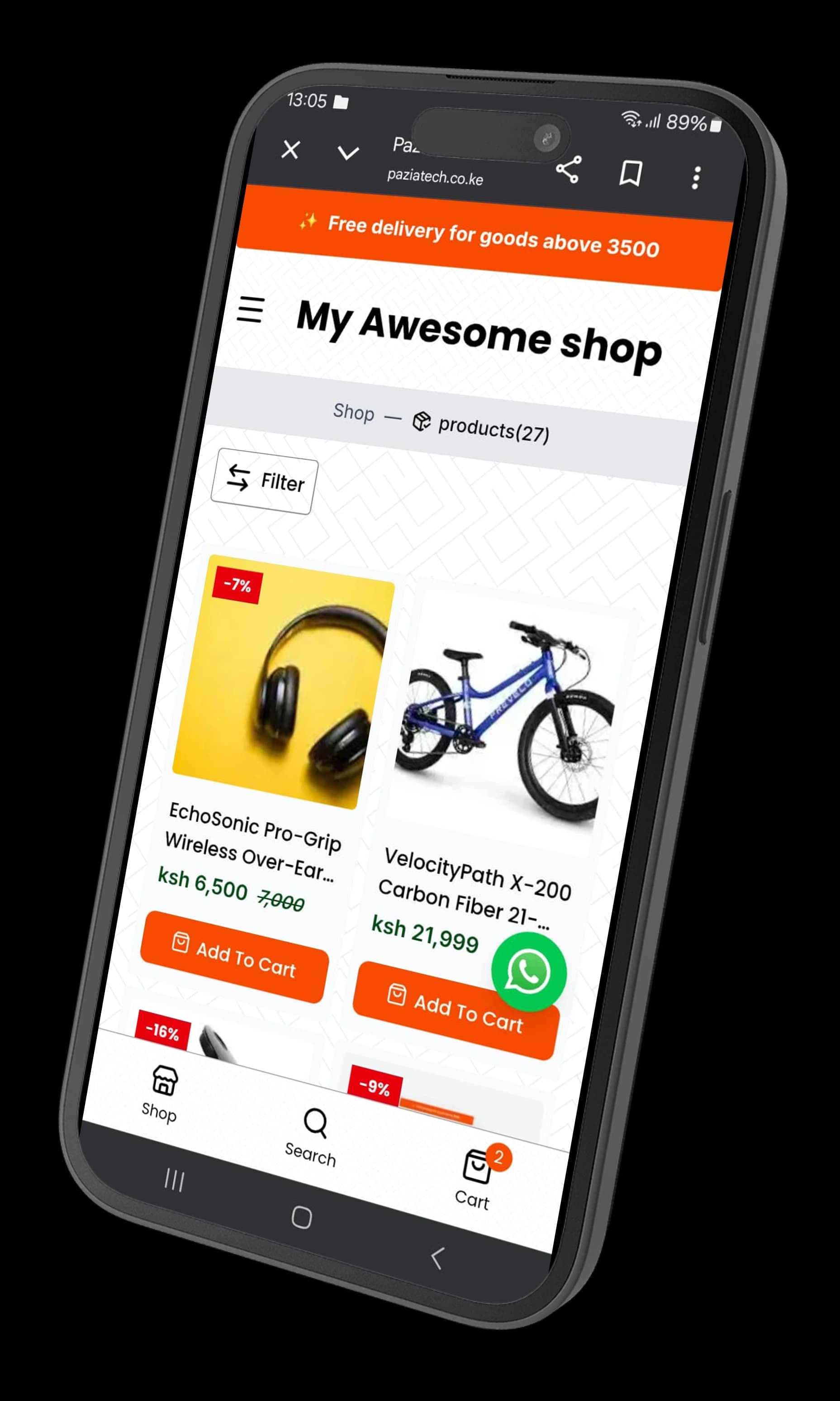
Sell Beyond WhatsApp
Stop losing orders in chats. Give customers a proper place to view products and buy anytime.
Keep Customers Coming Back
Build a real brand — not just one-time sales. Your store becomes your online home.
A Store Customers Actually Want to Browse
Clean, fast, mobile-first design that makes people stay and explore — not bounce.
About PaziaTech
PaziaTech is a SaaS platform that helps online sellers create and manage an online product catalog.
Businesses can share their catalog through a simple link, allowing customers to browse products, view details, and make purchase decisions without relying on constant WhatsApp or Instagram conversations.
Add Products in Seconds
Upload images, set prices, and go live — no technical skills needed.
Simple Checkout Experience
Let customers browse, select, and order without back-and-forth messages.
Manage Orders Easily
Track orders, update status, and stay organized from one place.
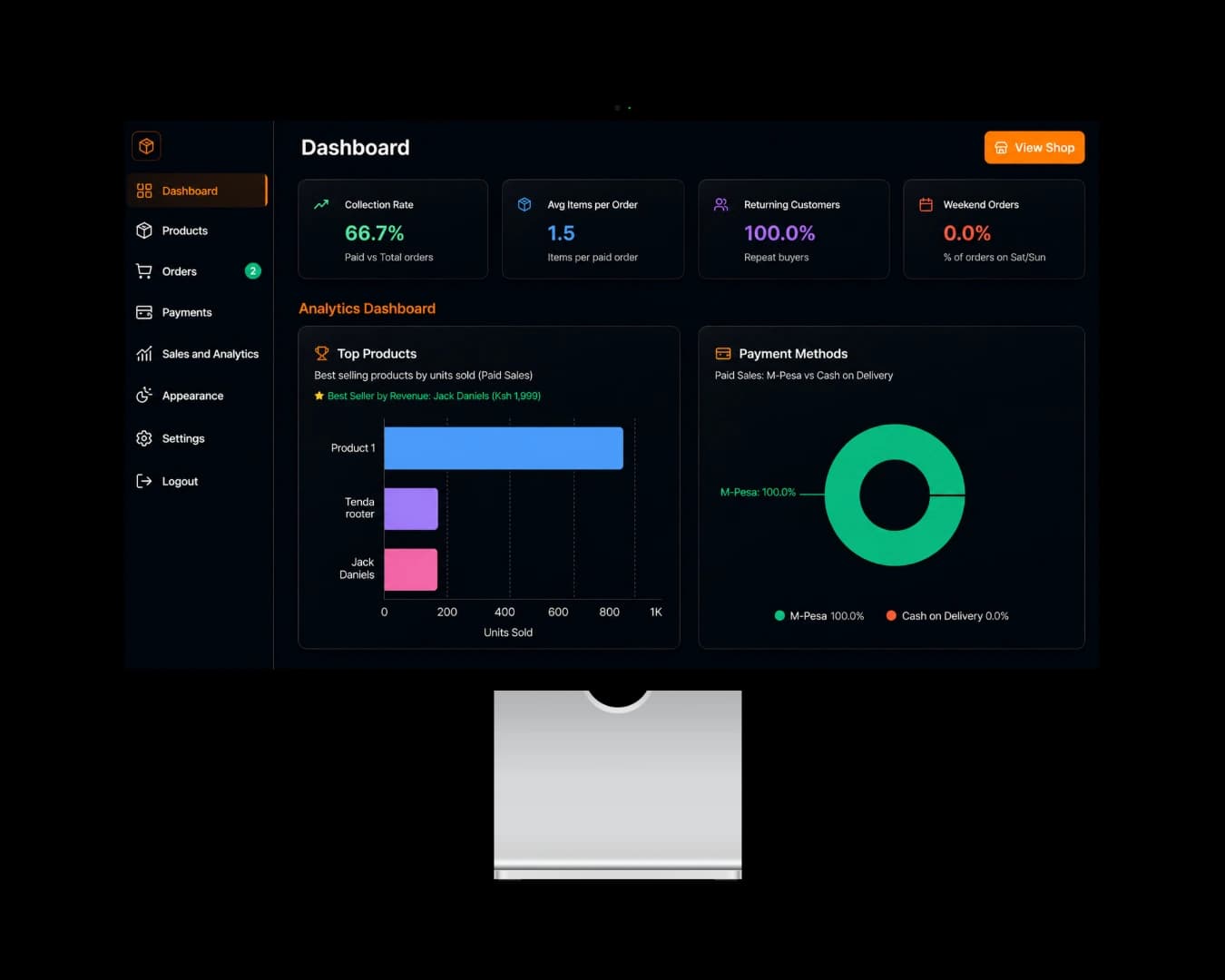
See What's Selling
Get insights into your products and track your growth over time.
Your 5-Step Setup Guide
Simple, fast, and built for Kenyan businesses.
Create Your Store
- Fill in your contact information(used for your contact section)
- Choose your store type: Retail, Pharmacy, Bookshop, or others
- Your store is created instantly — no waiting
Add Your Products
- Go to Products → Add New Product
- Upload images, set price, write description
- Click 'Publish' — product is live immediately
Configure Payments
- Go to Settings → Payment Configuration
- Connect your M-Pesa Paybill/Buygoods number
- Activate — customers can pay instantly
Share Your Store
- Copy your store link from Dashboard
- Share on WhatsApp, Instagram, or Telegram
- You can also share individual product links
Receive Orders
- Get instant Email/App notification when order arrives
- Go to Orders → Manage to view and update status
- Track all orders from one dashboard
How We Use Your Data
PaziaTech helps Kenyan merchants sell online. We use Google Sign‑In for secure, password‑free access.
What PaziaTech Does
Create a product catalog, share a link, accept M‑Pesa, manage orders.
- Store in minutes
- Add products
- M‑Pesa or cash
Why Google Sign‑In?
Secure login without passwords. Links your verified email for order notifications.
- No passwords to reset
- Google protects your account
- One‑click from any device
We never sell your data. Delete your account anytime.
OAuth scopes: openid, email, profile